Never edit another YouTube video again.
We turn your ideas into finished, upload-ready videos that grow a YouTube channel or build your professional authority in about an hour a week. Presented by you or an AI avatar.
Takes 2 minutes · Already have access?





 +3.9K
+3.9K
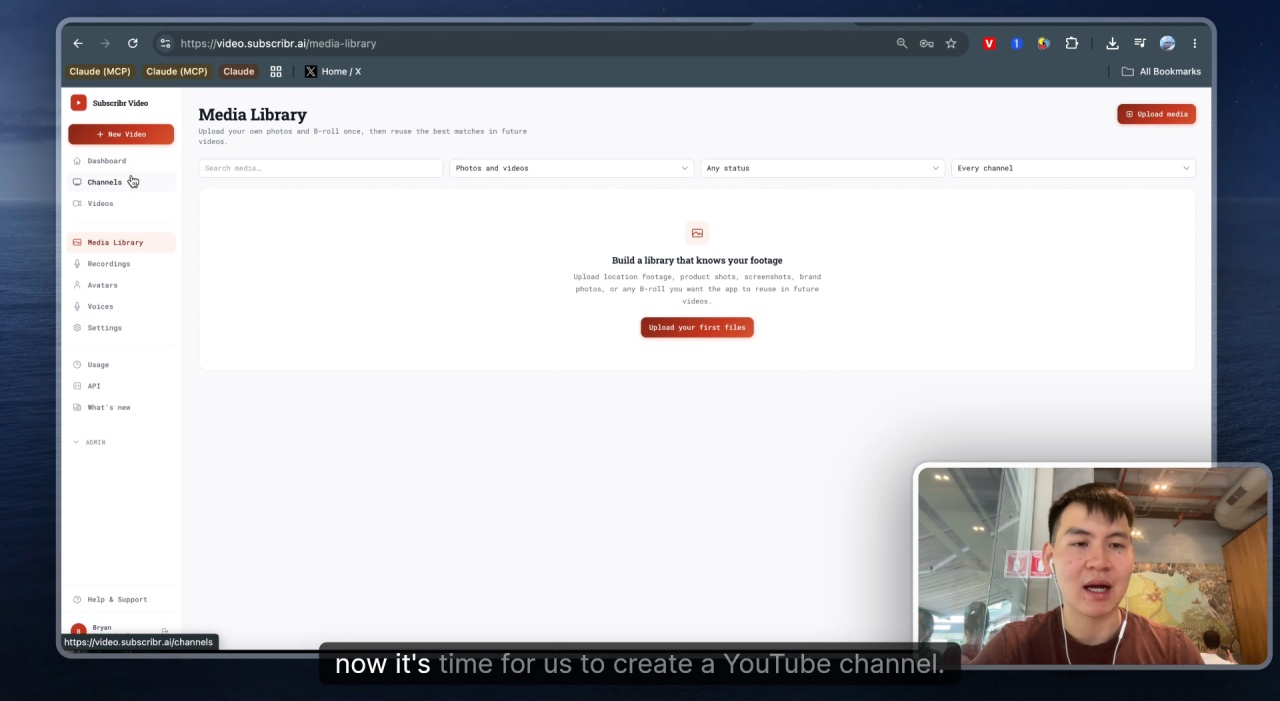
You know you should be posting every week. You’re not.
Filming takes an afternoon. And if you’re not filming, editing still takes another five hours you don’t have. So the videos that would actually grow your channel, or bring in your next client, sit in a notes app instead of on YouTube.
And it’s not your fault.
YouTube is hard.
But it doesn’t have to be if you have the right tools to automate this process as much as possible.
And that’s why we built Subscribr.
Subscribr gets you from idea to finished, upload-ready video without touching an editor. Show up on camera, use a digital clone of yourself so you don’t have to sit down and record every time, or run an AI avatar and never appear at all.
Six live channels. 2M+ views between them.
These are channels that are either fully faceless, or were previously run by a person on camera who has now replaced themselves with an automated editing system.

I'm 42. If You're In Your 20's or 30's, Watch This
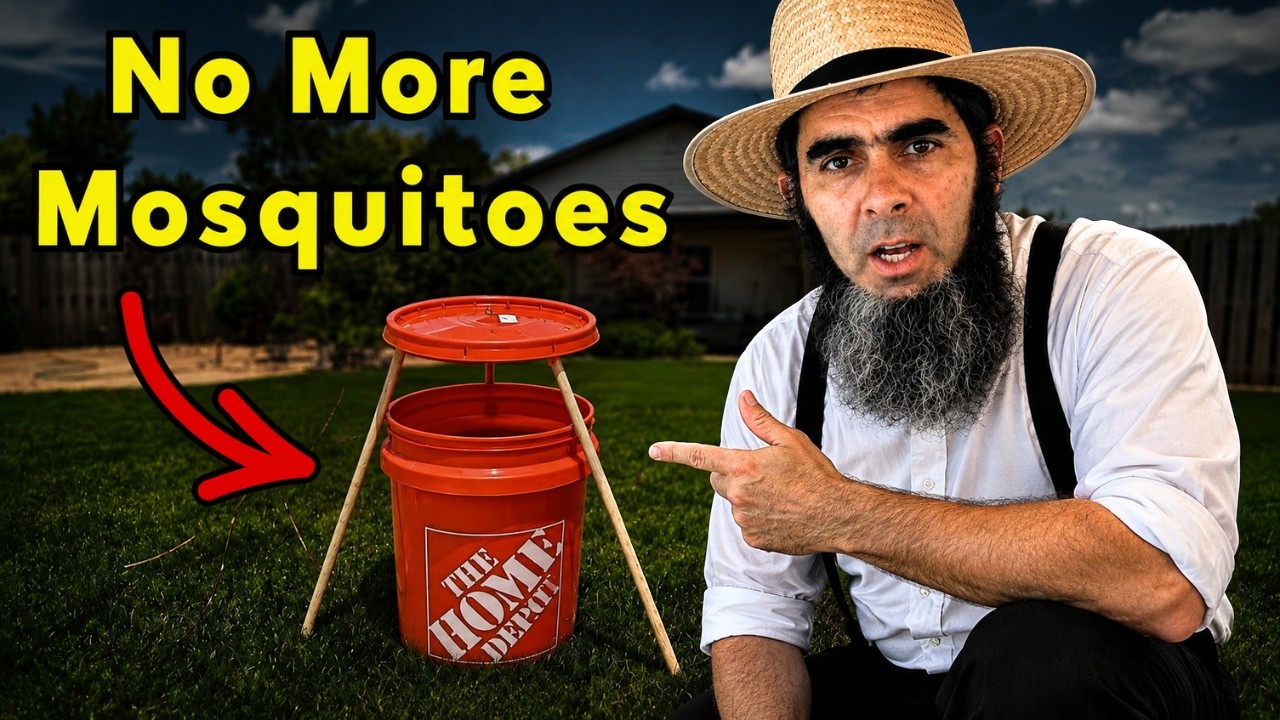
KILL EVERY Mosquito The AMISH Way. SAFE For Honey Bees & Pets!
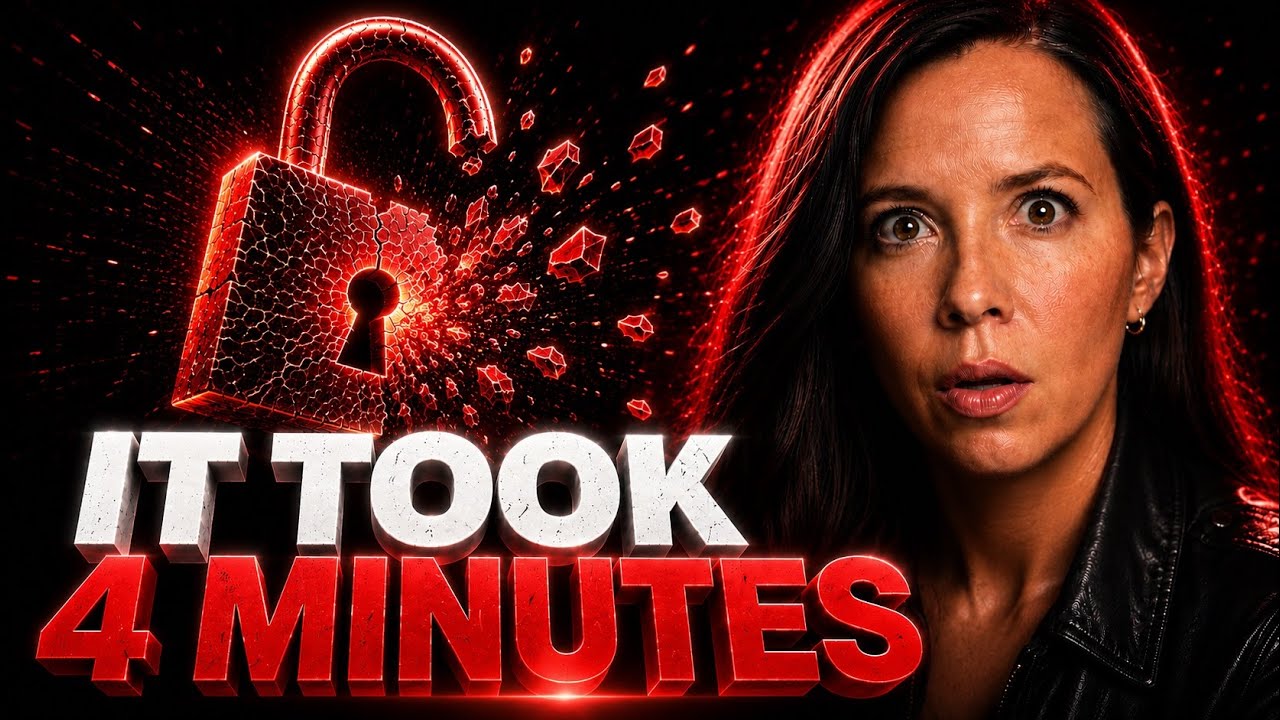
AI Just Broke The Internet

14 Nano Banana Tips I Wish I Knew Sooner

This NEW Manus Slides Update Is WILD

How Natives Removed GREASE From Any Kitchen Surface — One Ingredient
From blank doc to published video, in one workflow.
Every step from raw idea to fully edited upload happens inside Subscribr.
Proven video ideas before you write a word.
Point the Ideation Bot at your niche. It pulls from competitor channels, trending angles, and the videos already winning views in your space. You get a feed of pre-validated ideas mapped to titles, hooks, and angles. Pick one. Move to scripting.
— And the script writes itself from there. —
Any idea becomes a retention-engineered script.
Hand the idea to the Scriptwriting Agent. It builds the full long-form script with a hook engineered to earn the first 30 seconds, structure built for retention, and pacing tuned for the format. Edit any line. Or accept the draft and move on.
— Now the thumbnail problem. —
4 publish-ready thumbnails per video, AI-scored before they ship.
Drop your title into Thumbnail Studio. Get 4 concepts back, styled to your niche and your brand. Every thumbnail is scored against proven CTR principles (contrast, composition, emotion, text legibility, curiosity gap) before it touches your upload queue.
— Script and thumbnail done. Time for the face. —
You, a clone of you, or an AI avatar, built with the Subscribr team.
Filming yourself works the way it always has: record on your phone or webcam, and we handle everything from there, no editor required on your end. And if you don't want to record every time? Upload your own photos once and we train a custom AI clone that looks and sounds like you. Or if you prefer to stay off camera entirely? Pick an avatar preset from the library instead.
— Now hit generate. —
One click. Fully edited video. Ready to upload.
Subscribr renders the avatar, the voiceover, the visuals, the B-roll, the captions, the slide animations, and the cuts into a finished 1080p video ready for YouTube. No editor. No timeline. No render queue. Your time per video: roughly 45 minutes from prompt to upload-ready.
Every video below came out of a single prompt.
The same workflow you’ll run. One title in, one finished long-form video out.

Why Your Engine Is Quietly Destroying Itself

The Japanese Mending Method That Makes Clothes Last Decades

Ancient Cities Around The World Line Up On A Map. Nobody Planned It.
The old production stack vs. the new one.
4 to 5 hours and $450–$600 in freelancer costs, or about 45 minutes inside Subscribr. Same finished output, same monetization profile. Different math.
Old way
Manual production, hired out
- Scriptwriter — $100–$200 per video
- Voiceover artist — $20 per video
- Video editor — $300 per video
- Thumbnail designer — $30–$80 per video
Cost per video
$450–$600
4 to 5 hours of your time. Slow, expensive, dependent on freelancers.
With Subscribr Video
One workflow, done for you
- Retention-engineered script in one click
- On camera, a clone of you, or a cinematic AI avatar with cloned voice
- Auto B-roll, captions, slide animations, cuts
- AI thumbnails scored against proven CTR rules
Your time per video
~45 min
No freelancers, no invoices. One workflow, start to finish.
Subscribr Video is for you if…
This is for you if…
- You want a channel that grows an audience or your business, and camera time is optional.
- You're a real estate agent, financial advisor, or health practitioner who wants weekly video building your authority and your pipeline, on camera or off.
- You're a creator building a channel, on camera, cloned, or fully faceless.
- You can put in about an hour a week to keep publishing.
- You're willing to publish, not just "learn".
Not for you if…
- You want passive income with zero work.
- You need a guarantee of views, leads, or monetization.
- You're still "thinking about YouTube someday".
What’s included in the platform.
Full feature reference. What ships today, what’s coming, what isn’t supported.
Included today
- Long-form video renders up to 30 minutes
- 1080p output, optimized for YouTube monetization
- Two edit styles — Standard for slides, illustrations, presenter moments, and generated motion, or Fast B-roll for quick AI b-roll scenes on faceless how-to and instructional videos
- 10 cinematic Design Themes, plus the ability to customize your channel's Artwork Style
- A custom AI avatar trained from your own photos
- Pick from dozens of preset voices, design a custom voice with us, or clone your own from 5 minutes of audio
- Built-in background music and sound effects, mixed automatically for cinematic pacing
- Auto-generated B-roll, captions, and slide animations
- Add your own images, screenshots, and charts — Subscribr automatically places them in the video
- Upload your own raw talking-head or audio-only recordings and we edit them into a finished video
Roadmap
- Add your own video clips — Subscribr automatically places them in the video
- An expanded library of preset AI avatars
- 50+ more motion graphics templates
- More opening hook intros and montages
- Improved sound design
- An expanded library of voiceover providers
- Sourcing A-roll and B-roll footage directly from YouTube
- More ability to customize the look and feel of your videos
- Direct YouTube publishing from inside the platform
Intentionally not supported
-
4K output. 1080p is YouTube's sweet spot for monetized content. 4K adds render time and storage with zero meaningful viewer impact.
-
No-avatar mode. Subscribr is built around the avatar as your channel's spokesperson. Every faceless channel that monetizes long-term has a face viewers recognize. That's the whole point.
Questions.
Product & Platform
Do I have to use an AI avatar or clone? Can I just film myself?
What's the maximum video length I can render?
Does Subscribr support 4K output?
How is the avatar set up?
Can I clone my own voice?
Can I run a faceless channel without any avatar?
Can I upload my own footage or video clips?
YouTube & Monetization
Do these AI avatar channels get demonetized?
Does the AI voice get flagged by YouTube's AI detection?
Will this work for my niche?
I'm not trying to build a faceless entertainment channel — I want video to generate leads for my business. Does this work for me?
Beta & Access
What does it cost?
What happens after I join the waitlist?
I'm already a Subscribr customer. Is video generation included?
I've never published a YouTube video before. Is this for me?
One last thing.
We’re onboarding a limited group right now — built by the team behind Subscribr and trained on 25,000+ of the best-performing videos on YouTube. If you’ve made it this far down the page, you already know whether this is for you.
2 minutes · Already have access?
Trusted by 4,000+ customers
Questions before you join? [email protected].